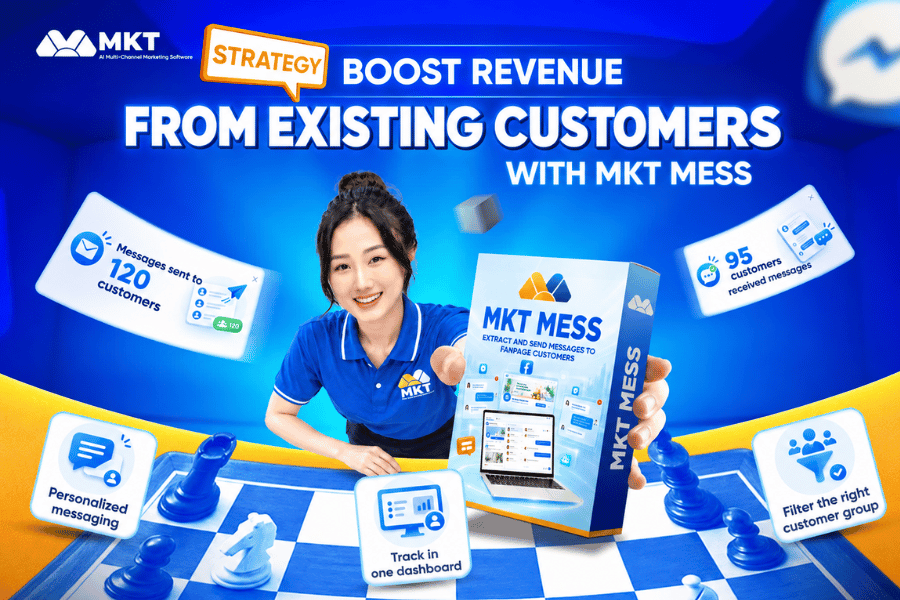
The Facebook bulk messaging tool is a powerful marketing solution that helps business owners optimize their advertising potential across the Facebook and Messenger platforms. By leveraging this tool, businesses can boost brand visibility, enhance customer engagement, and improve sales performance significantly.
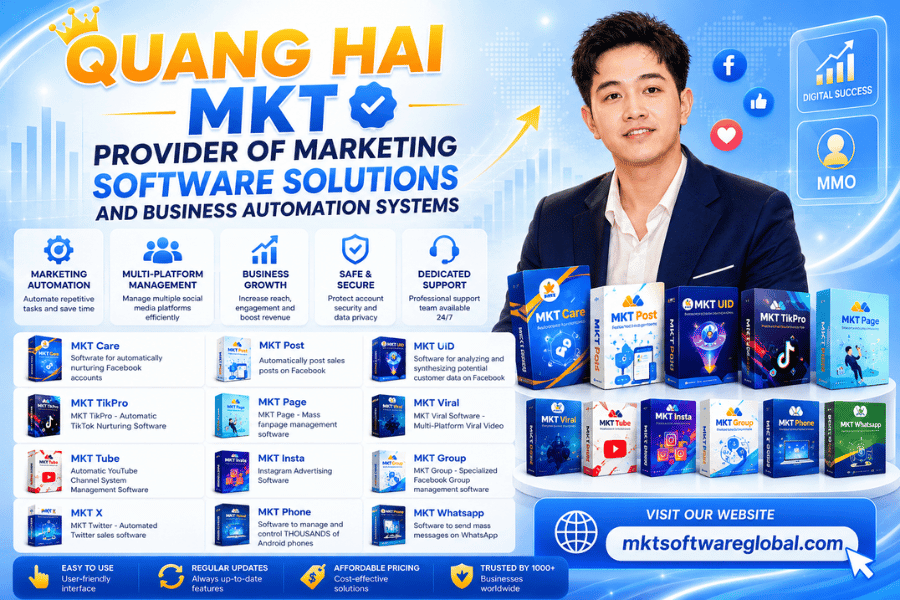
Understanding the evolving market trends and user demands, Quang Hải MKT proudly introduces a high-performance tool that allows you to send Facebook messages in bulk to targeted potential customers. Let’s dive in and discover how it works!
I. What is a facebook bulk messaging tool?
A Facebook bulk messaging tool is a software solution used by businesses and marketers to send a large number of messages via Facebook Messenger to multiple users at once. With this tool, companies can promote loyalty programs, special offers, product launches, and more.

Instead of manually sending messages one by one, this software allows businesses to automate their communication, optimize interaction rates, and deliver highly personalized customer care efficiently.
II. Benefits of using a facebook bulk messaging tool
Also referred to as Facebook spam messaging by some, this process enables users to send messages simultaneously to many people through Messenger – Meta’s integrated messaging app.
With the development of feature-rich bulk messaging tools, manual methods have become outdated. Here’s why more users are switching to automation. Let’s explore the key advantages of using MKT Software’s bulk Facebook messaging tool:

- Cost-Effective Marketing: Facebook bulk messaging tools are significantly more affordable than traditional advertising channels or paid Facebook ads.
- Attract New Customers: By sending messages to randomly selected users, businesses can quickly broaden their customer base and tap into new markets.
- Efficient Promotion & Consultation: Whether it’s promotional content, product launches, or service highlights – the tool sends messages to thousands of users at once, ensuring fast and effective outreach.
- Versatile Across Industries: This tool can be applied in a wide range of fields including real estate, cosmetics, fashion, travel, and more.
- Automated Customer Care: Easily maintain relationships with existing customers by scheduling automated follow-up messages, loyalty rewards, and check-ins.
- User-Friendly Interface: With optimized workflows and simple setup, users can send mass messages within just a few clicks – no technical skills required.
III. Facebook Bulk Messaging Tool – Automated Solution for Efficient Communication
In response to the increasing demand for automated outreach, a cutting-edge technology solution has been developed to help businesses and marketers send Facebook messages in bulk more effectively. Let’s explore two of the most popular tools by MKT Software that are revolutionizing automated messaging:

1. How to send messages using MKT Post
MKT Post is a bulk Facebook messaging software widely used by thousands of online shop owners and marketers. Developed to meet real-world marketing needs, this tool is optimized around three core values that every user desires: Effective Checkpoint Avoidance – Easy to Use – Affordable Pricing

Step 1: Log in to the MKT Post software using your licensed account.
Step 2: Configure the message-sending settings.
– On the dashboard, go to Profile Features, then select Message by UID to activate the bulk messaging function. Choose your message content by clicking Select Content. Customize the following settings:

- Number of concurrent threads
- Switch accounts on error
- Time delay between messages
- For messages with images, tick Wait for image upload and set a delay time
Prepare a UID list of your target customers and upload it into the software. You can send messages sequentially or randomly. For faster targeting, you can use MKT UID to automatically extract user UIDs based on your target audience.

Note: To avoid duplicate messaging from multiple accounts to the same user, select the option Do not send to duplicate UIDs across accounts.
Step 3: Start the Campaign.Once your settings are complete and accounts are selected, click Start.
The software will begin automated message delivery, sending your marketing content to all specified users.
2. Automated messaging with MKT Care
MKT Care is the premium software solution from MKT Software, packed with advanced features for customer engagement and performance marketing. One of its standout functions is its message spinning engine, which prevents your messages from being flagged as spam. You can also explore its other features in the instructional video provided.In addition, the software also has many features such as posting, commenting, messaging, increasing interaction according to your wishes.

Steps to Send Bulk Messages with MKT Care:
Step 1: Download and log in to the software. Please text Quang Hai MKT to help you register, he will support you best during your usage.
Step 2: Similar to MKT post software, MKT care software only needs to set up basic parameters so you can proceed to send messages.

- You set up the content of the time interval between two actions, in addition you can also choose the content you want to send in this section.

– Set the message action parameters and launch.
video demo here :
IV. Important notes when sending bulk messages on facebook
To ensure your marketing campaigns are safe, effective, and compliant, keep in mind the following best practices:

- Do not send too many messages in one day. Use polite and respectful language. Avoid sending identical messages to every user.
- Personalize your content to make customers feel valued. Segment your audience and craft relevant messages.
- Invest in high-quality visuals and compelling content to increase engagement.
- Choose the right time frame for message delivery; avoid spamming users continuously in a single day.
- Clean up your list: Remove users who previously ignored your messages. These might be inactive, fake, or uninterested users.
- When targeting new users, send friend requests first and engage with comments or reactions to build familiarity before sending a message.
Conclusion
Through this guide, MKT Software has provided you with a complete overview of how to send Facebook bulk messages quickly and effectively. We hope this helps you better understand the power of automation tools like MKT Post and MKT Care, and how they can help scale your business and marketing efforts on Facebook.
Start your journey with MKT Software today – and revolutionize the way you connect with customers!